KrillCloud
Features
What you get with every server.
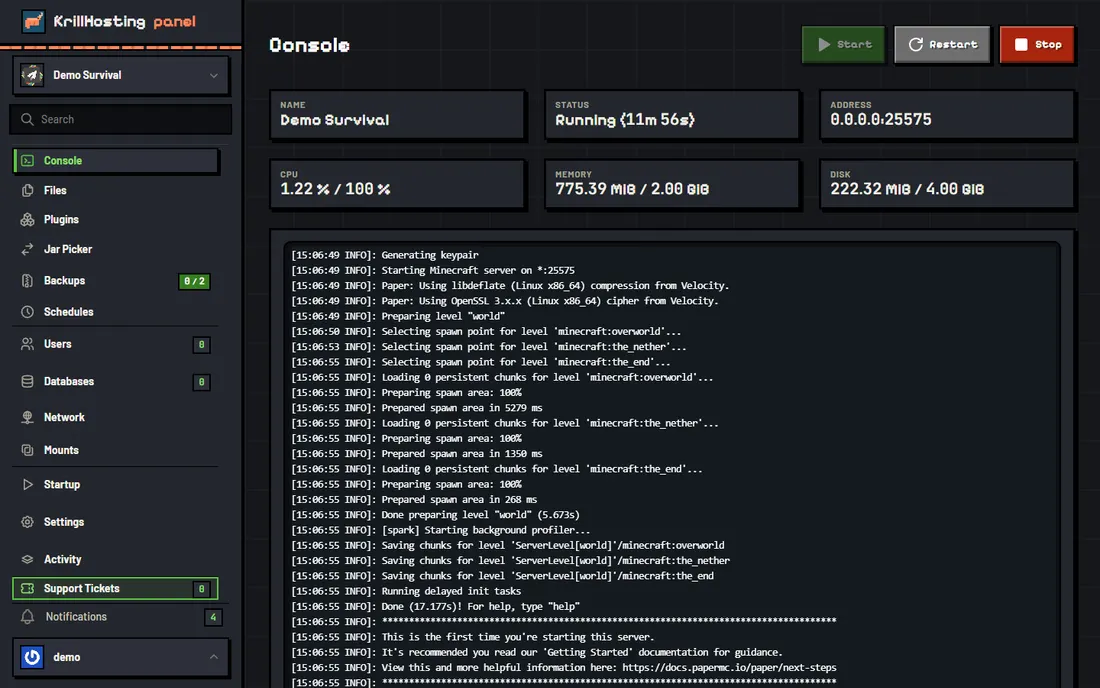
Live console
Start, stop and restart, run commands, and watch CPU and memory live.
File manager and SFTP
Edit configs in the browser, or upload worlds, plugins and mods over SFTP.
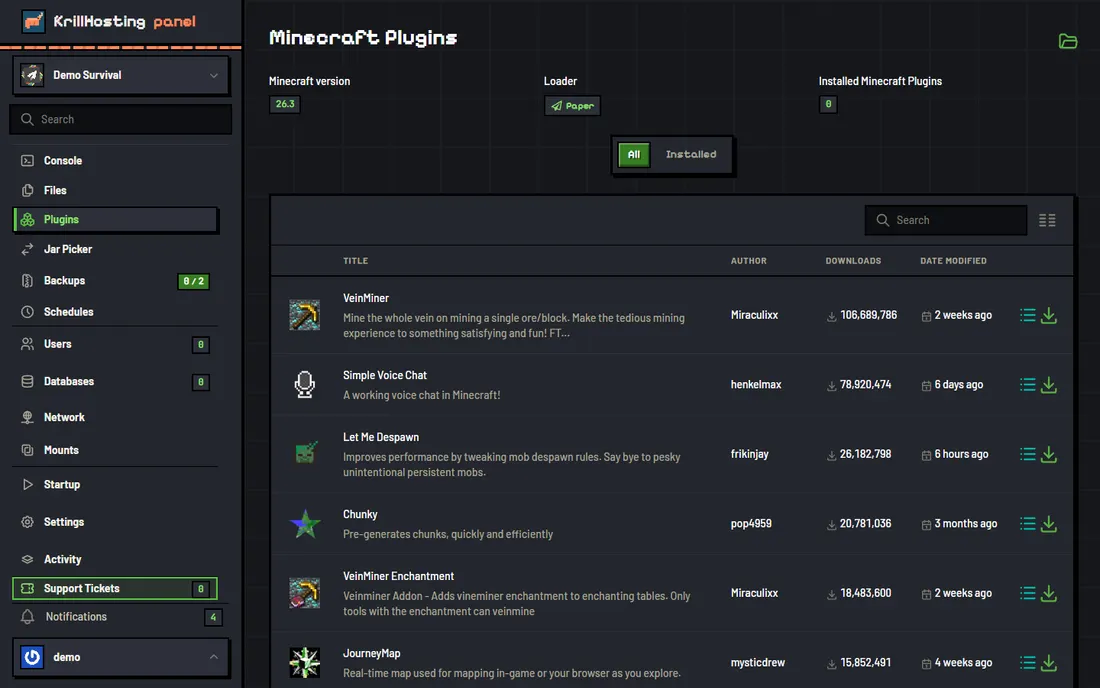
Plugins
Upload plugin jars yourself. Servers run Paper, which loads Bukkit and Spigot plugins.
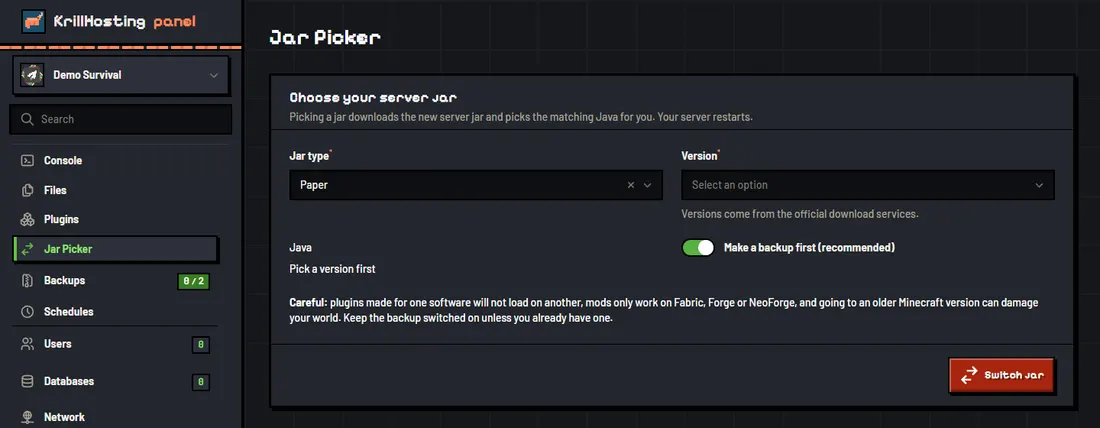
Version choice
Pick the Minecraft version in the panel's Startup tab.
Backups
A daily automatic backup, plus manual ones, which you can lock, download or restore.
Schedules
Run commands or restarts on a timer, for example a nightly restart.
Extra users
Invite friends or staff to your server with only the permissions you choose.
Resource limits
Your RAM, CPU and disk limits are enforced per server.
Basic DDoS protection
Included on all plans.
The panel